 Download on the Google Play
Pick up to three.
Line them up.
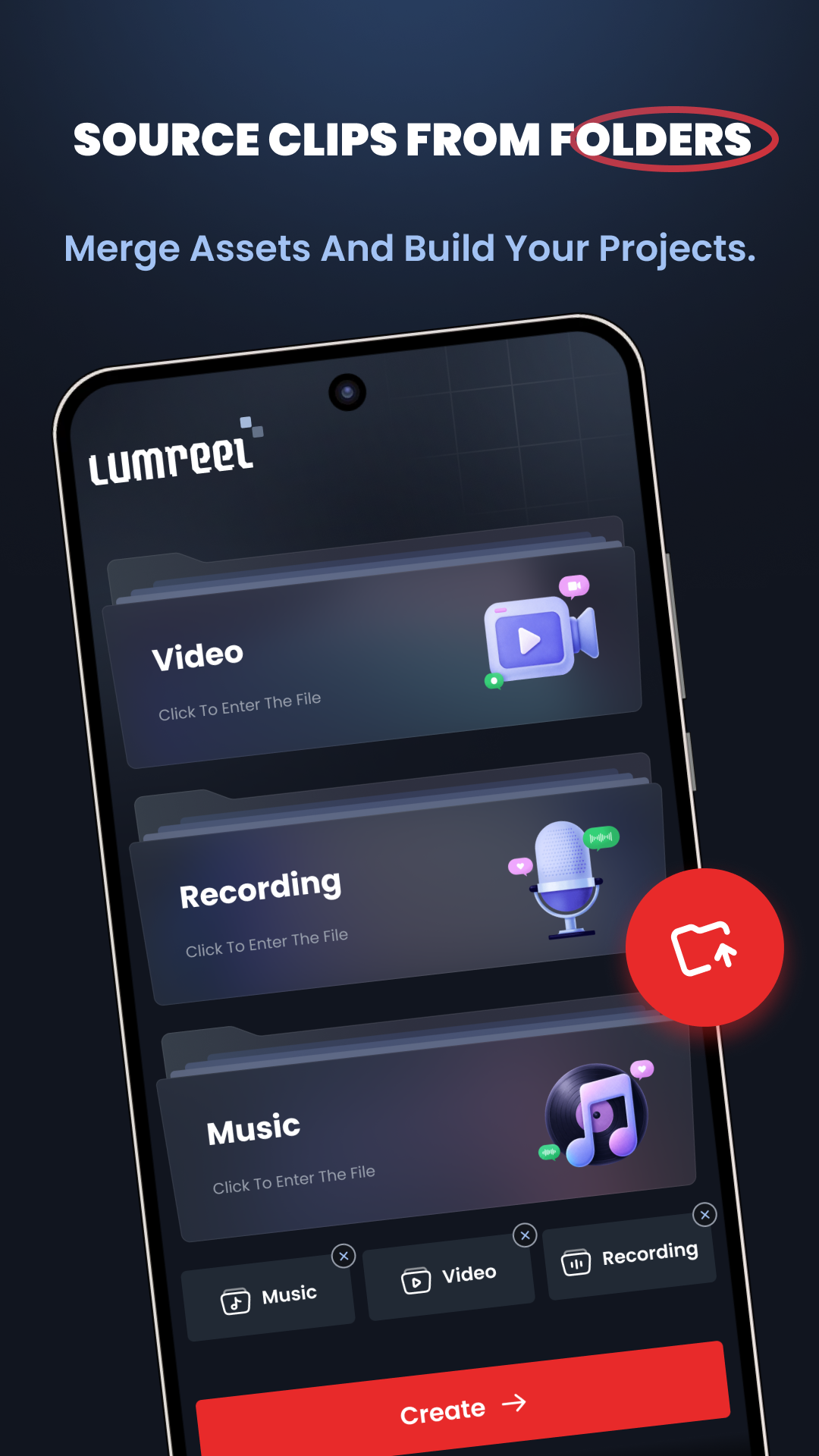
Lumreel Enables Asset Imports From Three Specialized Media Directories: Video, Recording, Music.
Blend Video Footage, Voice Recordings And Music. Add Text Elements, Archive To Folders, And Shape Unique Narratives.
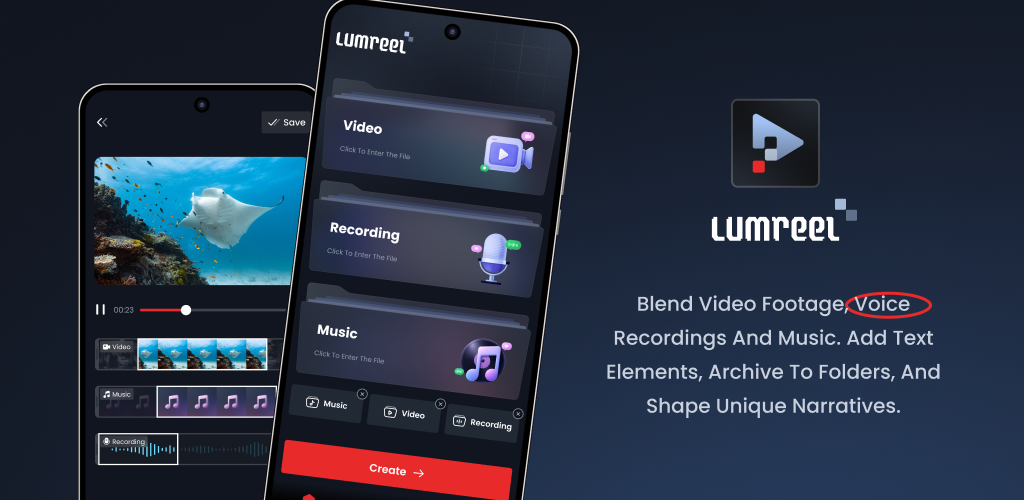
Lumreel Enables Asset Imports From Three Specialized Media Directories:
VideoRecordingMusic.
Download on theGoogle Play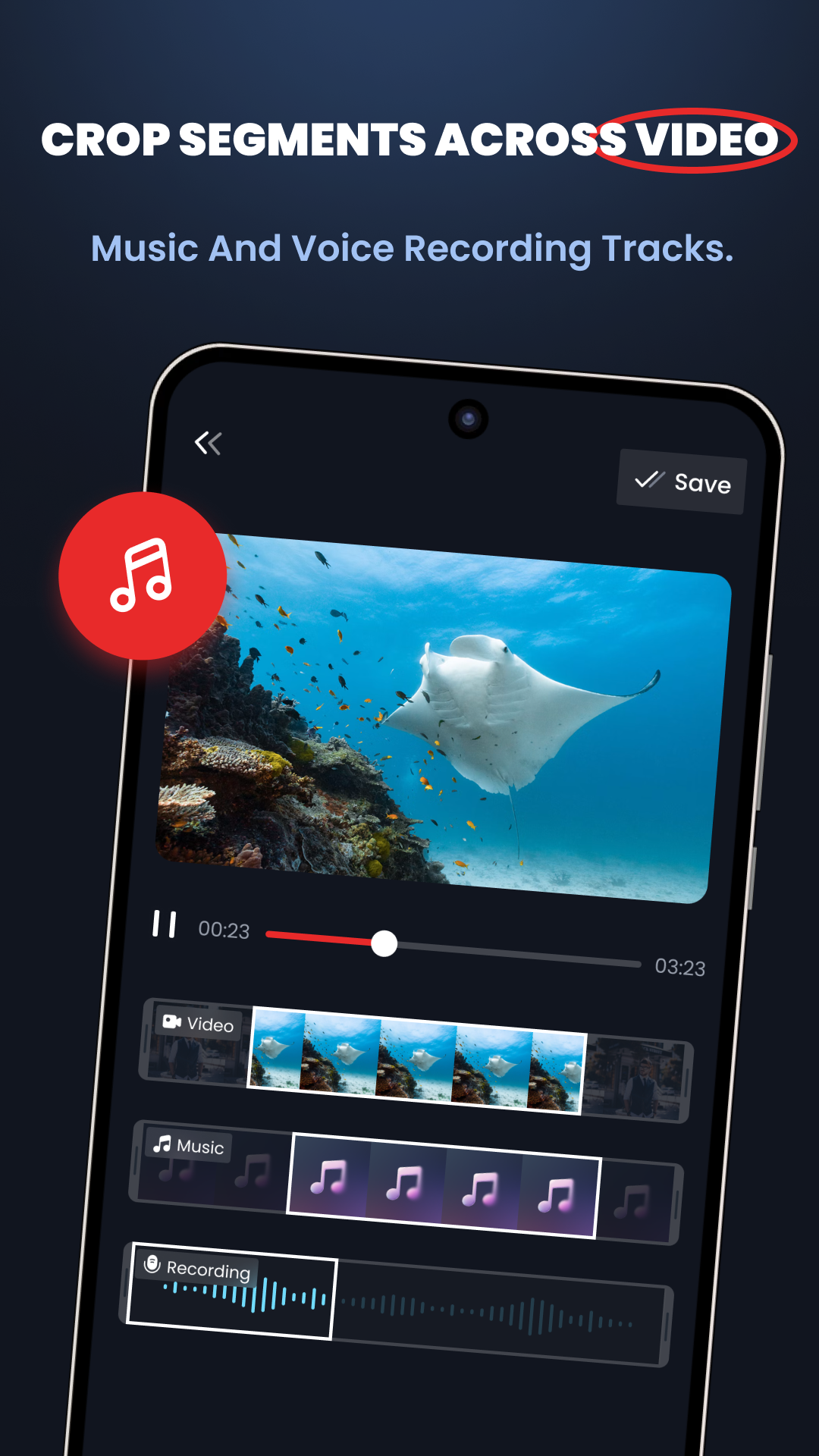
Work the bench
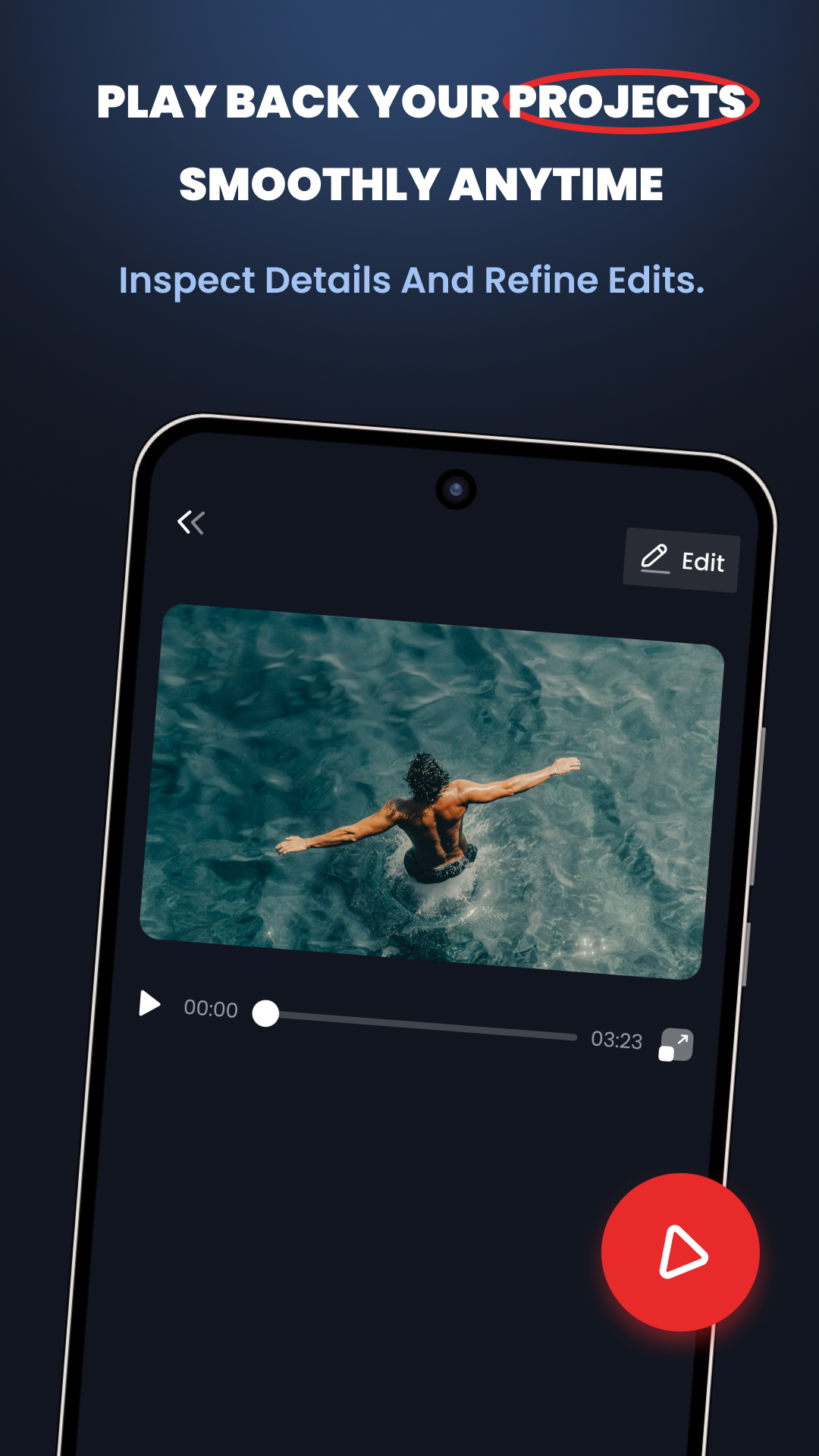
Cut it down, then file it.
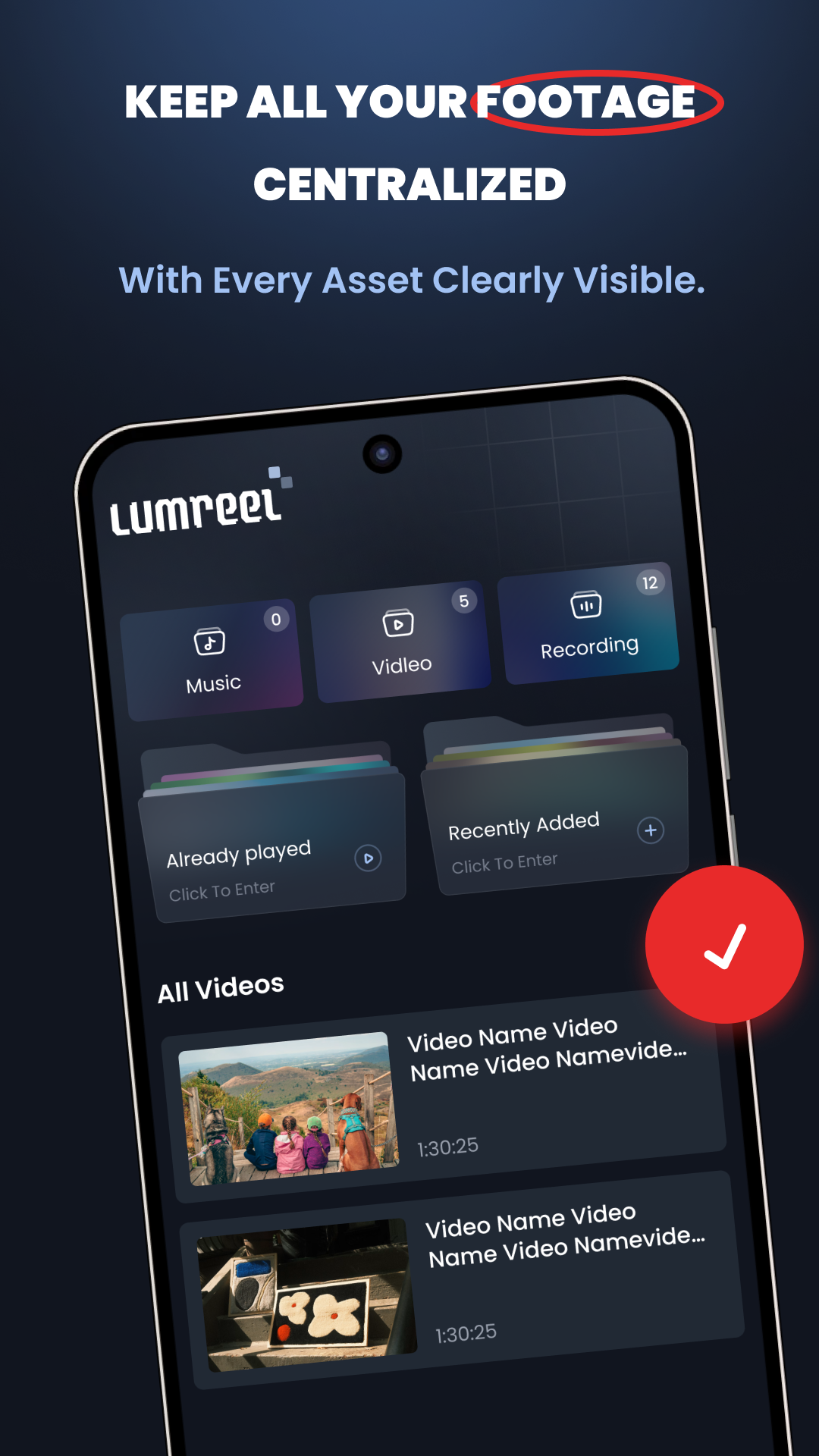
Select As Many As Three Media Items And Blend Them Into A Cohesive Video. Layout To Align With Your Story. Cut Down Every Video And Audio Track To Your Preferred Runtime. Review Your Finished Preview, Archive The Project To Your Private Folder With Minimal Taps. All Rendered Media Is Auto-Sorted, Available For Playback Or Further Adjustments At Any Moment.
Contact Us
A question about a cut or a folder can go straight to the mailbox. The form keeps the note on this page.
youssefchibi1963@gmail.com